JellyBeans is a collection of easy-to-use, one-of-kind utilities that complement your Windows® desktop tasks.
- Address Book (with Label Printer)
- Backup & File Sync
- Desktop Notes
- Desktop Shortcuts
- Financial Calculators
- Internet Links (Password Manager)
- Label Maker
- Measurement Converter
- PDF File Merger
- Text Search in Outlook
- Text Search in Word, Excel, PDF or Text Files
- .…and more! See the links below for details!

JellyBeans runs on any Windows 10 or 11 desktop, laptop or tablet, and integrates with Microsoft® Office (desktop versions*) Word, Excel and Outlook.
*Can be used without Microsoft® Office, but with some limitations.
Why call it JellyBeans? Because it lets you “pick and choose” what options you want to use just like you can pick your favorite jellybean flavors from a candy jar. Just uncheck the features you don’t need, and they won’t bother you by showing up and getting in your way.
And the other reason is that creating each feature in a Jellybean form was just too much fun… silly programmer!

Click here to download the JellyBeans Installer
Use JellyBeans FREE for 30 days! Try before you buy!
Click the ‘Buy Now’ button… ONLY $29.00
Latest Release: 8.01.9622
What Does JellyBeans Do?
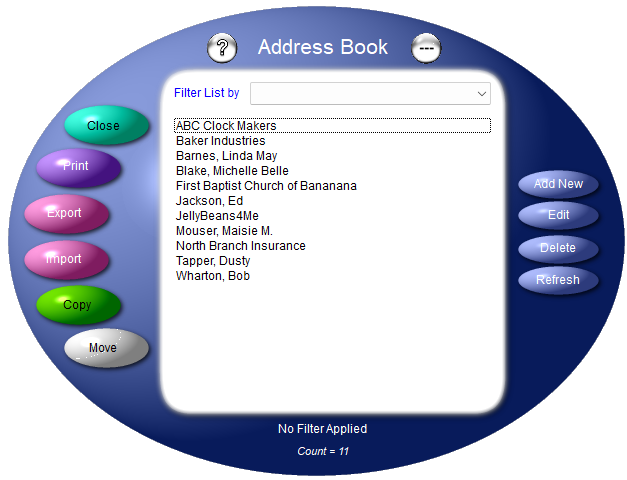
Address Book – Not a full-blown contacts manager, but a good place to store family and friends’ information. Includes the Label Printer for taking care of those invitations and holiday cards! Import your contacts from Excel with a few clicks!
Click here to download the Excel template for creating the import file.
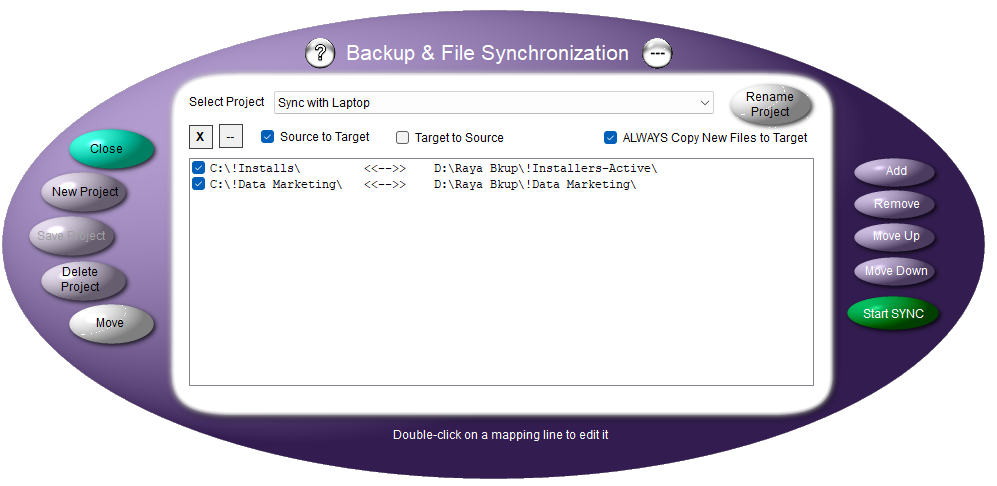
Backup & File Synchronization – This Backup & Sync feature automates a simple folder-to-folder backup between any two connected drives.
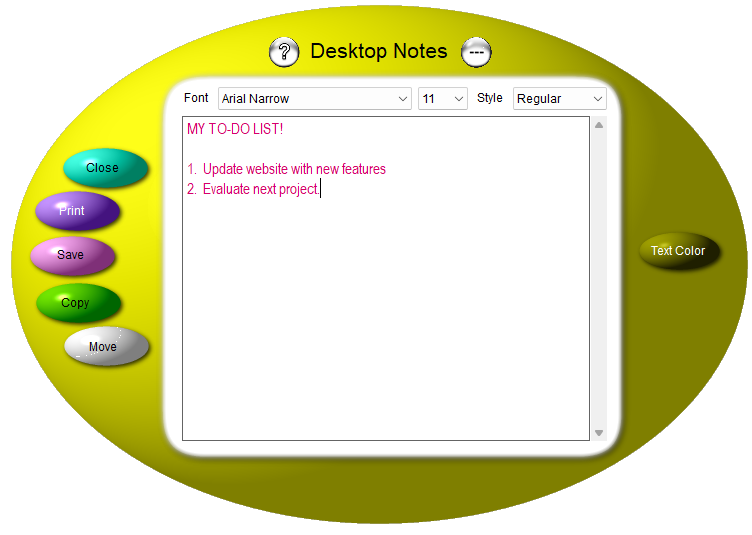
Desktop Notes thinks it’s a white board for text! Just make a list, or a reminder, or any other information that just needs to be jotted down somewhere.
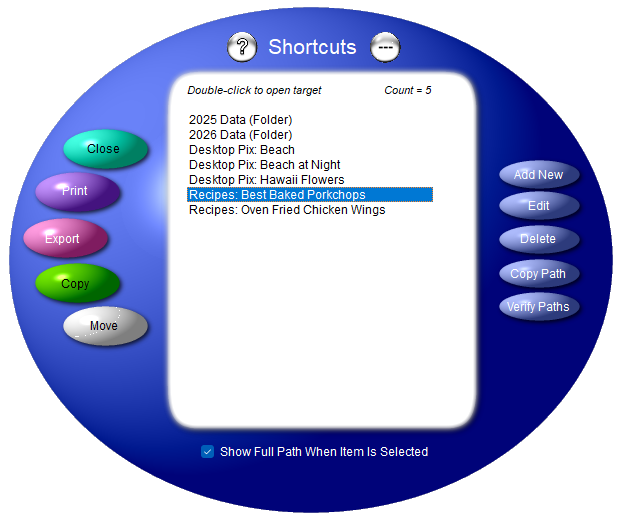
Desktop Shortcuts – Tired of all of those shortcuts to files and folders on your desktop? Imagine your next online meeting when you share your desktop and it’s CLEAN cuz you moved the Shortcuts bean (form) to another screen that no one can see…envy erupts!
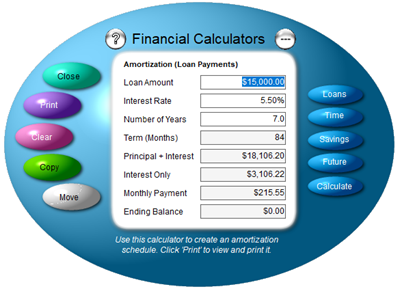
Financial Calculators – Four simple financial calculators for Loan Amortization, Time, Savings and Future value results.
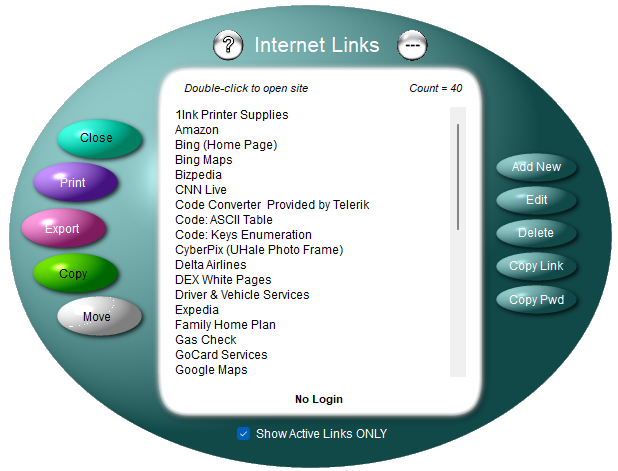
Internet Links Password Manager – How do you store your internet credentials? Logins and passwords on a sticky note? The JellyBeans Internet Links does it for you! You can give a link any name that makes sense to you and generate a 20-character password with a single click. Double-click on the link name to open the website and paste the password into the password field (Ctrl+V) without having to remember what it is.
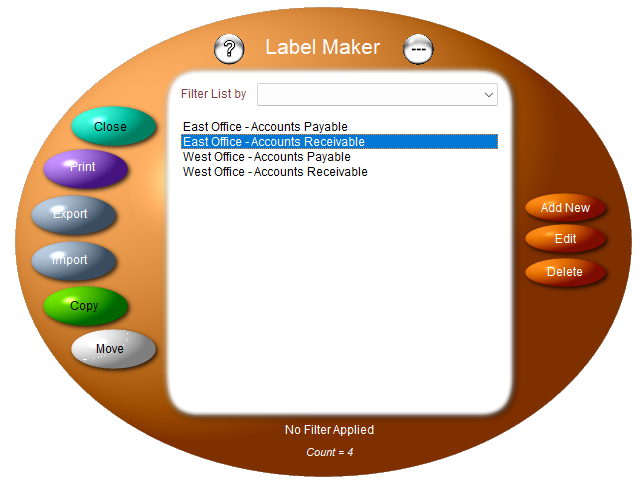
Label Maker – Want an easy way to print those miscellaneous labels and tags? Label Maker does just that. You can categorize each one and print any category on mailing, return address, price tag and shipping labels.
Click here to download the Excel template for creating the import file.
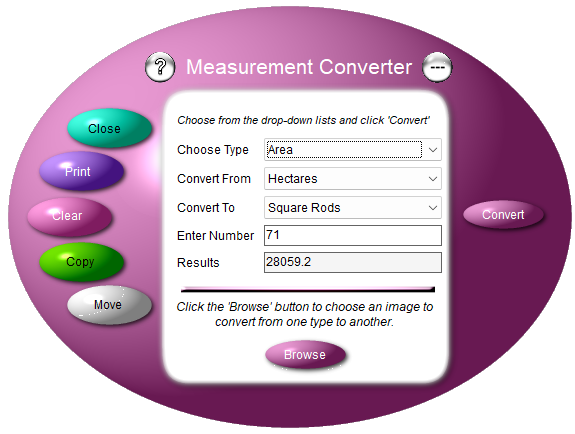
Measurement Converter – Use these utilities to convert a variety of measurement types between standard and metric values.
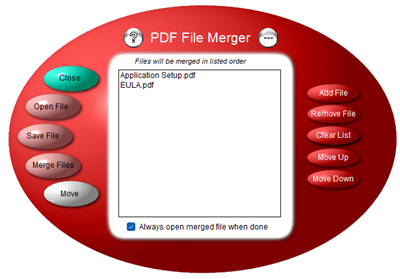
PDF File Merger – The PDF Merger utility lets you gather PDF files that need to be combined into a single PDF file in any order you wish!
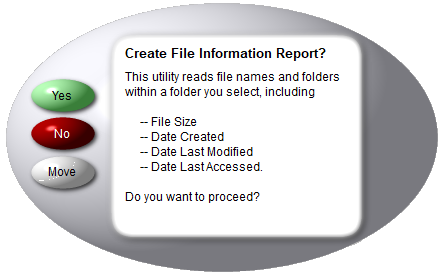
Report: Files & Folders – Do you know what files are where? This utility lists folder locations, created date, last modified date and the last time someone opened (accessed) each file.
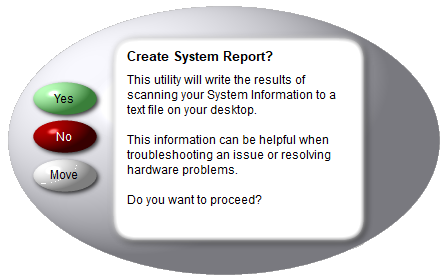
Report: My Computer – The next time IT support asks you: What’s on your computer? Just click this option to create a text file with all of your system/hardware information, and a complete list of every application installed on your computer.
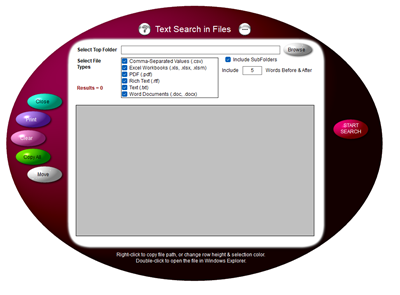
Text Search in Word, Excel, RTF & Text – How do you do a text search inside of folders full of Word, Excel, PDF, Rich Text or Text files? Yup, JellyBeans does that! Search on any text (not case-sensitive) to generate a list of every line where that text is found.
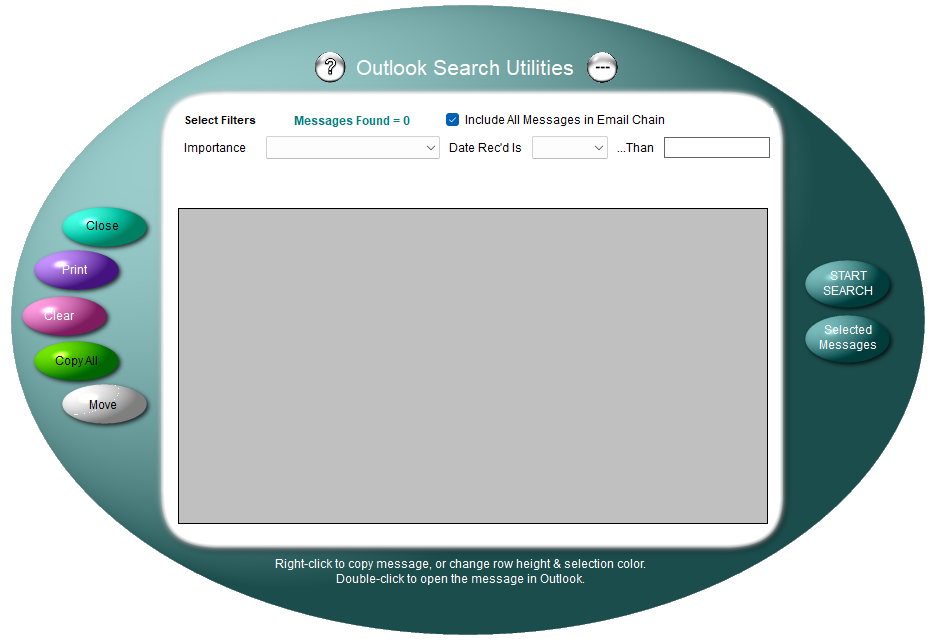
Outlook Search Utility – If you’re frustrated with the text search features of Outlook, look no farther! JellyBeans can do that easily and gives you a list of email messages which you can open in Outlook by simply double-clicking.
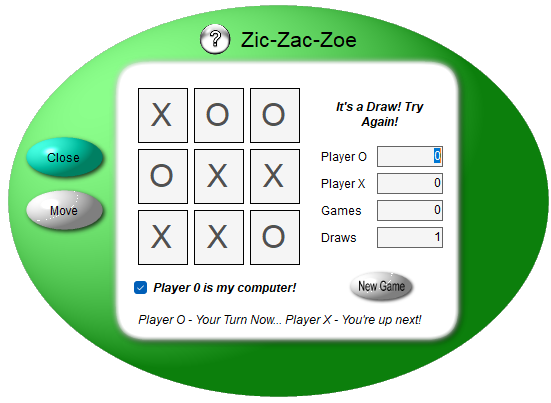
Zic-Zac-Zoe – Wanna play a quick game of Tic-Tac-Toe with your computer? Here ya go!
149 People Have Visited Us Here!
Click here to download the JellyBeans End-User License Agreement (EULA).
Microsoft Windows, Outlook, Word and Excel are registered trademarks of Microsoft Corporation. All other products are registered trademarks of their respective vendors.